
Affiliate Disclosure: This article contains affiliate links. If you buy through them, we may earn a small commission at no extra cost to you. Our picks are based on research and real product specifications, not on commission rates.
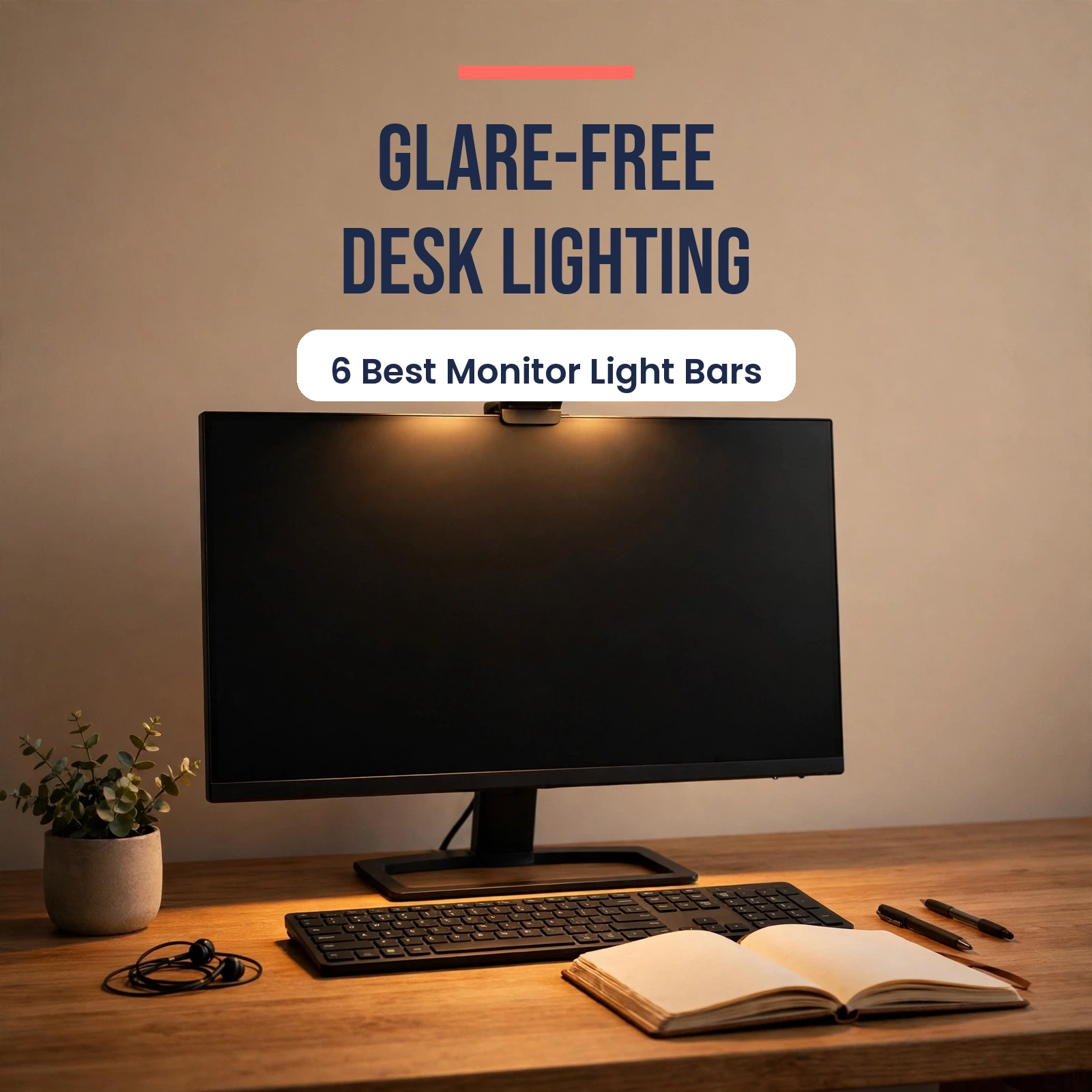
If you work from home, your lighting is probably working against you. A ceiling light throws glare across your screen. A desk lamp eats up desk space and lights only one corner. And working in the dark with only a bright monitor staring back at you is a fast track to tired eyes and headaches.
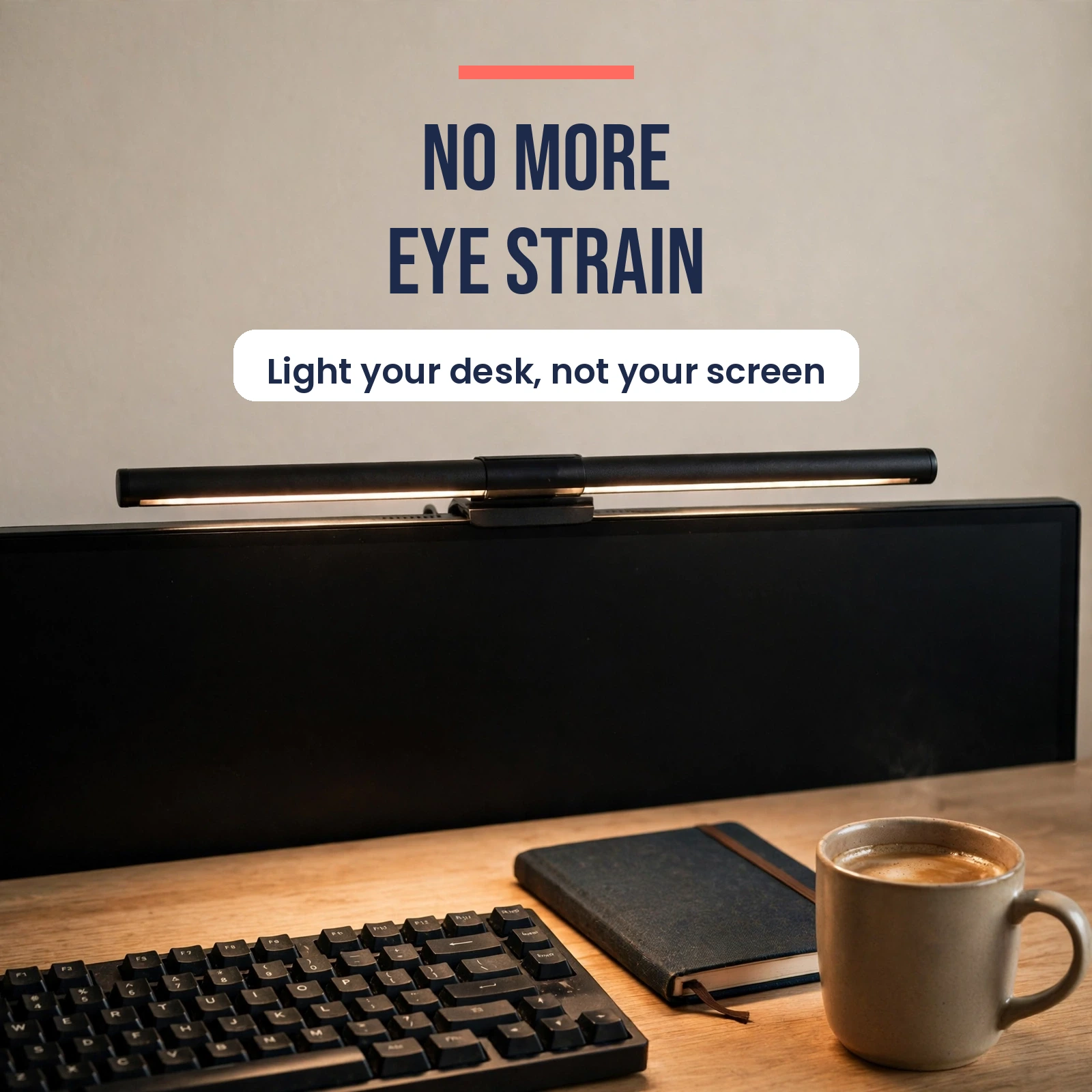
A monitor light bar fixes all three problems at once. It clips onto the top of your monitor, aims light down at your desk and keyboard, and keeps light off your screen. It uses zero desk space and runs off a simple USB connection. Once you try one, it is hard to go back.
In this guide, we compare six of the best-known monitor light bars, from the premium BenQ ScreenBar range to budget-friendly picks from Xiaomi, Quntis and Baseus. Every product below is a real, established model with verified specifications. Prices shift often, so treat the prices here as approximate and check the current listing before you buy.
If you are still deciding between a bar and a traditional lamp, our guide to desk lamps for home offices covers the other side of the choice. A light bar also pairs well with a laptop stand and an ergonomic mouse for a healthier desk setup overall.
Quick Comparison Table
| Light Bar | Color Temperature | Control | Standout Feature | Approx. Price |
|---|---|---|---|---|
| BenQ ScreenBar | 2700-6500K | Touch on bar | Auto-dimming to 500 lux | Around $109 |
| BenQ ScreenBar Plus | 2700-6500K | Wired desktop dial | Desktop dial controller | Around $120-150 |
| BenQ ScreenBar Halo | 2700-6500K | Wireless dial | Rear backlight glow | Around $179 |
| Xiaomi Mi Computer Monitor Light Bar | 2700-6500K | Wireless dial | Magnetic rotating mount | Around $40-60 |
| Quntis Monitor Light Bar PRO+ | 3000-6500K | Remote control | Fits curved monitors, 2-hour timer | Around $60-70 |
| Baseus i-Wok 3 Series | 2700-6000K | Touch on bar | Magnetic mount, budget price | Around $32-35 |
How We Picked These Light Bars
We only included bars from established brands with a track record in this category. BenQ invented the monitor light bar category with the original ScreenBar, and its models remain the benchmark. Xiaomi, Quntis and Baseus are the most widely reviewed alternatives, each with thousands of buyers behind them.
We compared verified specifications: color temperature range, color rendering index (CRI), control method, monitor compatibility and power requirements. We also weighed everyday usability, like whether you can adjust brightness without reaching up to the monitor, and whether the bar fits curved screens.
One thing to know before you buy: a monitor light bar is task lighting, not room lighting. It lights your desk area beautifully. It will not light a whole room, and it is not meant to replace your ceiling light for video calls. For that, a lamp behind your monitor or a ring light still helps.
1. BenQ ScreenBar – Best Overall
The BenQ ScreenBar is the product that created this category, and it is still the safest buy in it. BenQ has had years to refine this bar, and the result is a simple, well-built light that does its one job extremely well.
https://buyiox.com/wp-content/uploads/2026/10/ml-prod-1.jpg
BenQ ScreenBar – the original monitor light bar with touch controls and auto-dimming.
The bar measures 45 cm long and clips onto the top of a flat monitor with a weighted counterweight mount. There are no clamps to tighten and nothing sticks to your screen. Touch controls sit on top of the bar itself, so you tap to switch modes and slide to adjust brightness.
The standout feature is the ambient light sensor. It reads the light in your room and automatically adjusts the bar to keep your desk surface at around 500 lux, which is the recommended level for office work. Set it to auto and forget it.
- Asymmetric optics: light lands on your desk, not on your screen
- Color temperature range: 2700-6500K, from warm evening light to cool daylight
- Color rendering index: CRI above 95, so colors look natural under the light
- Auto-dimming sensor targets around 500 lux on the desk surface
- USB powered, touch controls on the bar
- Approx. price: around $109
Pros:
- Genuinely good auto-dimming, a true set-and-forget experience
- Excellent glare control thanks to the asymmetric optical design
- Premium all-metal build with no plastic creaking
- Proven reliability over years of sales and updates
Cons:
- Does not fit curved monitors, flat monitors only
- No wireless controller, you adjust it on the bar itself
- No rear backlight for evening ambiance
- Premium price for the standard model
Best for: People with a flat 24-27 inch monitor who want the benchmark product and do not need extra features. Avoid if: You use a curved or ultrawide monitor, or you want a controller on your desk.
2. BenQ ScreenBar Plus – Best With a Desktop Controller
The ScreenBar Plus is the original ScreenBar with one important upgrade: a separate desktop dial controller. Instead of reaching up to the bar to change brightness, you twist a dial sitting on your desk. It sounds small, but in daily use it changes how often you actually adjust your lighting.
https://buyiox.com/wp-content/uploads/2026/10/ml-prod-2.jpg
BenQ ScreenBar Plus – the same bar, plus a handy desktop dial controller.
Everything else matches the standard ScreenBar: the same asymmetric optics that keep light off your screen, the same auto-dimming sensor, and the same 2700-6500K color temperature range. The dial connects to the bar with a cable, so it never needs batteries and never loses its connection.
The dial itself is satisfying to use. Rotate it for brightness, press it to switch color temperature, and press and hold for auto-dimming. It sits flat on the desk next to your keyboard and stays out of the way.
- Same 45 cm bar and asymmetric optics as the standard ScreenBar
- Wired desktop dial controller for brightness and color temperature
- Auto-dimming sensor adjusts to room light automatically
- Color temperature range: 2700-6500K
- Color rendering index: CRI above 95
- Approx. price: around $120-150
Pros:
- Desktop dial makes daily adjustments effortless
- Same proven optics and build quality as the standard ScreenBar
- Wired dial means no batteries and no wireless dropouts
- Auto-dimming works just as well as on the original
Cons:
- Still limited to flat monitors, no curved monitor support
- Costs noticeably more than the standard ScreenBar
- The dial cable adds one more wire to manage
- No rear backlight like the Halo
Best for: Anyone who adjusts lighting often during the day, such as designers switching between daylight and evening work. Avoid if: You want wireless control or you use a curved monitor.
3. BenQ ScreenBar Halo – Best Premium Pick
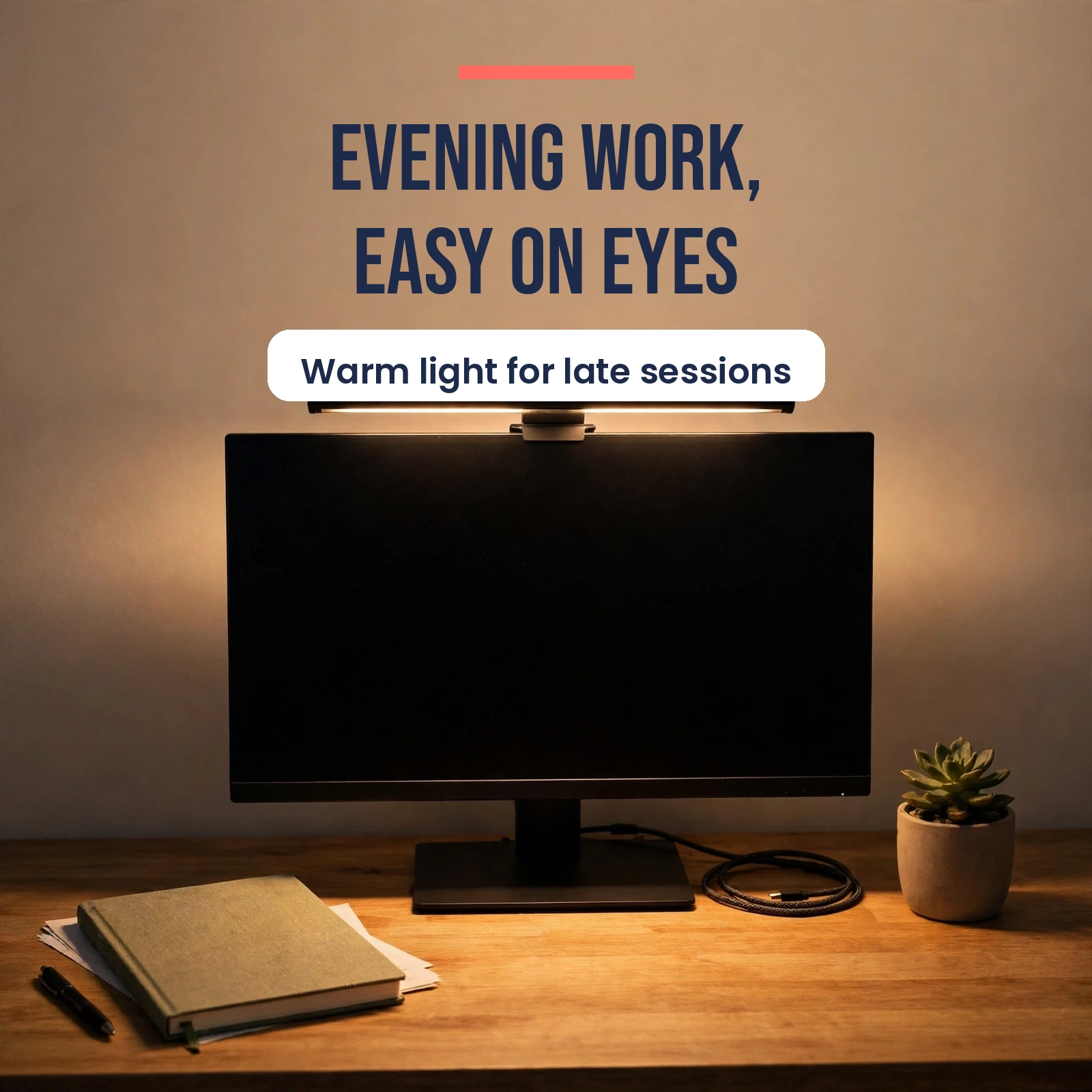
The ScreenBar Halo is BenQ’s premium model, and it adds two things the standard bars lack: a wireless controller and a rear-facing backlight. That backlight casts a soft glow on the wall behind your monitor, which reduces the contrast between a bright screen and a dark room during evening work.
https://buyiox.com/wp-content/uploads/2026/10/ml-prod-3.jpg
BenQ ScreenBar Halo – wireless control plus a rear backlight for evening work.
The wireless dial controller gives you five settings from your desk: power, brightness, color temperature, backlight mode and auto-dimming. It runs on AAA batteries, so there is no cable between the dial and the bar. The Halo also ships with attachments for curved monitors, which the standard ScreenBar lacks.
The backlight itself has three modes, letting you balance the glow behind your monitor against the brightness of your screen. In a dark room, this bias lighting genuinely makes long evening sessions feel easier on the eyes.
- Rear backlight with three light modes for wall glow behind the monitor
- Wireless dial controller, no cable to the bar
- Curved monitor attachments included in the box
- Color temperature range: 2700-6500K
- Real-time auto-dimming with ambient light sensor
- Approx. price: around $179
Pros:
- Backlight reduces eye fatigue in dark rooms
- Wireless dial is the most convenient controller in this list
- Works with curved monitors thanks to included attachments
- Same excellent BenQ optics and build quality
Cons:
- The most expensive bar in this guide
- Needs a 5V/1.5A or stronger power supply, some monitor USB ports are too weak
- Wireless dial needs AAA batteries
- The backlight is a luxury, not a necessity, for most buyers
Best for: People who work late in dark rooms and want the most comfortable evening setup. Avoid if: Your budget is tight, since the core desk lighting is similar to the cheaper BenQ bars.
4. Xiaomi Mi Computer Monitor Light Bar – Best Value Big-Brand Pick
The Xiaomi Mi Computer Monitor Light Bar is the best-known BenQ ScreenBar alternative, and it is easy to see why. It delivers most of the premium experience at roughly half the price, with a clean minimalist design that suits almost any desk.
https://buyiox.com/wp-content/uploads/2026/10/ml-prod-4.jpg
Xiaomi Mi Computer Monitor Light Bar – the best-value big-brand alternative.
Instead of a clip, the Xiaomi bar uses a magnetic rotating mount. The bar attaches magnetically to a small base that sits on top of your monitor, and you can rotate it to adjust the light angle. Installation takes seconds, and removing the bar for cleaning is just as easy.
Control comes from a small wireless remote dial that sits on your desk. Rotate it for brightness, press it to change color temperature. The bar covers a 2700-6500K range, so it handles both focused daytime work and warm evening light.
- Magnetic mount with rotation for easy angle adjustment
- Wireless remote dial for brightness and color temperature
- Color temperature range: 2700-6500K
- Color rendering: Ra90 or higher in independent roundups
- USB powered, aluminum body
- Approx. price: around $40-60
Pros:
- Excellent price-to-feature ratio, roughly half the BenQ price
- Magnetic mount makes installation and removal effortless
- Wireless dial keeps controls on your desk
- Clean, solid aluminum design that looks more expensive than it is
Cons:
- No auto-dimming sensor, you adjust brightness manually
- Color rendering is a step below BenQ’s CRI 95+ bars
- Best suited to flat or gently curved screens, not aggressive ultrawide curves
- No rear backlight option
Best for: Buyers who want a trusted brand and wireless control without paying BenQ prices. Avoid if: You want auto-dimming, since you will adjust this bar by hand. You can see the official product page on Xiaomi’s site for full specifications.
5. Quntis Monitor Light Bar PRO+ – Best for Curved Monitors
If you use a curved monitor, the Quntis Monitor Light Bar PRO+ deserves your attention first. Where the standard BenQ bars are built for flat screens, Quntis designed this bar from the start to fit curved and irregular monitors, with a weighted clip that adjusts to monitor thicknesses from 0.12 to 2.36 inches.
https://buyiox.com/wp-content/uploads/2026/10/ml-prod-5.jpg
Quntis Monitor Light Bar PRO+ – auto-dimming and a remote at a mid-range price.
The bar is 20 inches long and uses a 45-degree angled asymmetric optical design, so light falls on your desk and keyboard without reflecting onto the screen. A built-in ambient light sensor handles auto-dimming: double-click the remote and the bar adjusts itself to your room.
The remote is genuinely useful. It rotates for stepless brightness and color temperature control, and a long press activates a 2-hour auto-off timer that reminds you to take a break. The bar is also certified to the IEC62778 anti-blue light standard and is flicker-free, both of which matter for long sessions.
- Fits curved, flat and irregular monitors, thickness 0.12 to 2.36 inches
- Multifunction remote with stepless brightness and color temperature
- Auto-dimming via built-in ambient light sensor
- 2-hour auto-off timer for break reminders
- Color temperature range: 3000-6500K, CRI95
- Brightness: 1200 lux or higher, USB powered at 5V/1A or more
- Approx. price: around $60-70
Pros:
- Best curved-monitor compatibility in this price range
- Auto-dimming plus a full-featured remote at a mid-range price
- High CRI95 color rendering for natural-looking light
- 2-hour timer is a thoughtful touch for long work sessions
Cons:
- Light coverage is strongest directly in front of the monitor
- The brand is less premium-feeling than BenQ in the hand
- No rear backlight for evening ambiance
- Remote is small and easy to misplace on a busy desk
Best for: Curved and ultrawide monitor owners, and anyone who wants auto-dimming without paying BenQ prices. Avoid if: You need very wide desk coverage for a large dual-monitor setup. Quntis lists full specifications on its official product page.
6. Baseus i-Wok 3 Series – Best Budget Pick
The Baseus i-Wok 3 Series is the cheapest bar in this guide, and it is the best first monitor light bar for anyone who is not sure the category is for them. It keeps the essentials: asymmetric glare-free light, adjustable color temperature, and a mount that works on flat and curved monitors.
https://buyiox.com/wp-content/uploads/2026/10/ml-prod-6.jpg
Baseus i-Wok 3 Series – the budget pick with a magnetic mount.
The mount is magnetic, with two height settings, so it adapts to different monitor thicknesses without clamps. Touch controls sit on the bar itself: tap to switch between three color modes, White Light at 5500K for focused tasks, Mixed Light at 4000K for writing, and Warm Light at 2800K for relaxing reading, with stepless dimming across the range.
For a budget bar, the specifications are respectable. Color rendering is rated above Ra95, brightness reaches 250 lumens, and a memory function remembers your last setting every time you switch the bar on. It runs on 5W USB-C power, so almost any USB port will run it.
- Magnetic base with two height settings, fits flat and curved monitors
- Three color modes: 5500K white, 4000K mixed, 2800K warm, with stepless dimming
- Full range: 2700-6000K, color rendering above Ra95
- Memory function remembers your last brightness and color setting
- 270-degree rotatable design for angle adjustment
- USB-C powered, 5W, aluminum alloy and ABS body
- Approx. price: around $32-35
Pros:
- Excellent value, the cheapest way to try a monitor light bar
- Magnetic mount is simple and works on many monitor shapes
- Good color rendering for the price
- Memory function saves re-adjusting every morning
Cons:
- No auto-dimming, all adjustments are manual
- Touch controls on the bar mean reaching up to the monitor
- Asymmetric light performance is weaker than premium BenQ bars
- Lower brightness than the bars above, best for standard desks
Best for: First-time buyers, students, and anyone on a tight budget who still wants a branded bar. Avoid if: You want auto-dimming or the widest, brightest desk coverage.
Buying Guide: How to Choose the Right Monitor Light Bar
https://buyiox.com/wp-content/uploads/2026/10/ml-in1.webp
Choosing between these six bars comes down to four questions. Answer them in order and the right pick usually picks itself.
1. Is your monitor flat or curved?
This is the first filter. The standard BenQ ScreenBar and ScreenBar Plus are designed for flat monitors and do not fit curved screens well. The Halo includes curved attachments, and the Quntis PRO+ and Baseus i-Wok 3 are designed to fit curved monitors from the start. If you own a curved or ultrawide monitor, start with the Quntis or the Halo.
Also check your monitor’s thickness and top bezel. Most bars need a fairly flat top edge to sit on, and monitors with a pop-up camera or a very thick top bezel can cause problems. Quntis publishes a wide thickness range, which is one reason it is so forgiving.
2. Do you want auto-dimming?
Auto-dimming is the feature that separates the premium bars from the budget ones. BenQ’s sensor targets around 500 lux on your desk and adjusts as your room light changes. Quntis offers auto-dimming too, at a lower price. Xiaomi and Baseus leave brightness control to you.
If you work through daylight changes, like a room with a window that goes from bright morning to dark evening, auto-dimming is worth paying for. If your room lighting is constant, manual control is fine and saves you money.
3. How do you want to control it?
There are four control styles in this guide. Touch controls on the bar itself are simplest but mean reaching up to your monitor. A wired desktop dial, like the ScreenBar Plus, is reliable and always connected. A wireless dial, like the Halo and Xiaomi, is the most convenient but needs batteries or charging. A remote, like the Quntis, works from anywhere on your desk but is easy to lose.
Think about how often you change settings. If you set your light once and leave it, any control style works. If you switch between warm evening light and cool daylight often, a dial or remote on your desk is a real quality-of-life upgrade.
4. What is your budget?
Budget bars around $30-40, like the Baseus, cover the core job: glare-free desk light with adjustable color temperature. Mid-range bars around $40-70, like Xiaomi and Quntis, add wireless control or auto-dimming. Premium bars around $110-180, like the BenQ range, add the best optics, the best auto-dimming and, with the Halo, backlight ambiance.
Our honest take: if you can stretch to the Quntis or Xiaomi, you get most of the premium experience for a fraction of the BenQ price. If you want the best and you will use it for years, the BenQ ScreenBar or Halo is a buy-once purchase. A monitor light bar also complements a standing desk converter setup, since it moves with your monitor rather than sitting on your desk.
Color temperature and brightness explained
Color temperature, measured in Kelvin (K), describes how warm or cool the light looks. Lower numbers are warmer and more relaxing: 2700-3500K feels like evening lamplight. Higher numbers are cooler and more alert: 5000-6500K feels like daylight. Most people use cool light for focused daytime work and warm light in the evening.
Brightness is measured in lux at your desk surface. Around 500 lux is the commonly recommended level for desk work, which is why BenQ targets it with auto-dimming. CRI, the color rendering index, measures how naturally colors look under the light. A CRI above 90 is good, and above 95 is excellent for design work or anything where color accuracy matters.
Power and setup tips
Almost every bar in this guide runs off USB power. Plug it into your monitor’s USB port, a powered hub, or a phone charger. One warning: some monitor USB ports deliver only 5V/1A, which can be too weak for premium bars. The Halo needs a 5V/1.5A supply or better. If your bar flickers, try a dedicated USB charger before assuming the bar is faulty.
Mount the bar toward the back edge of your monitor’s top bezel, not the front. That angle keeps the beam aimed down at your desk instead of toward your face. And if you are comparing the newest BenQ models, the ScreenBar Pro announcement shows where the category is heading, with motion sensing and USB-C power. For a broader roundup of alternatives, the WorkWellSetup guide is a useful second opinion.
Frequently Asked Questions
Do monitor light bars really reduce eye strain?
They help by fixing the two most common lighting problems at a desk: a dark workspace around a bright screen, and glare on the screen itself. A bar lights your desk evenly without reflecting onto the display, which reduces the contrast your eyes have to adapt to. That said, a light bar is not a medical device. If you get frequent headaches or vision problems, see an eye specialist, and follow the 20-20-20 rule: every 20 minutes, look at something 20 feet away for 20 seconds.
Will a monitor light bar work on a curved monitor?
It depends on the bar. The Quntis PRO+ and Baseus i-Wok 3 are designed for curved monitors, and the BenQ Halo includes curved attachments. The standard BenQ ScreenBar and ScreenBar Plus are built for flat monitors and may not sit securely on a curved screen. Always check the manufacturer’s compatibility notes for your monitor’s curve and thickness before ordering.
Do monitor light bars cause screen glare?
A well-designed bar should not. The asymmetric optics in these bars angle the light downward onto the desk, so almost no light hits the screen. Glare usually happens when a bar is mounted too far forward on the bezel or tilted toward the screen. Mount it toward the back edge of the monitor top and angle it down, and glare should disappear.
How do you power a monitor light bar?
All six bars in this guide are USB powered. You can plug them into a monitor USB port, a powered USB hub, a laptop, or a standard USB phone charger. Premium bars need more power: the Halo requires a 5V/1.5A supply or better. If a bar flickers or will not reach full brightness, the power source is usually the cause, so try a dedicated charger first.
Are monitor light bars better than a desk lamp?
For desk work at a monitor, usually yes. A bar uses zero desk space, lights your keyboard evenly, and never glares on your screen. A desk lamp is better for lighting a wide area, reading large paper documents, or lighting a room for video calls. Many home workers end up with both: a bar for the desk and a lamp for the room.
What color temperature should I use?
Use cooler light, around 5000-6500K, for focused daytime work, since it mimics daylight and supports alertness. Switch to warmer light, around 2700-3500K, in the evening, since it is gentler on the eyes and less disruptive to sleep. Bars with a wide range, like the BenQ models and Xiaomi, let you shift through the day with one dial twist.
Can I use a monitor light bar with a laptop?
Yes, as long as the mount fits. Most bars clip onto any screen with a flat top edge of a suitable thickness, including many laptops. The Quntis and Baseus mounts are the most forgiving for unusual screen shapes. Very thin laptop lids can be a problem for heavier weighted-clip mounts, so check the thickness range before buying.
Final Verdict: Which Monitor Light Bar Should You Buy?
https://buyiox.com/wp-content/uploads/2026/10/ml-in2.webp
There is no single winner here, because the right bar depends on your monitor and your budget. But there are clear best picks for each situation.
If you want the best overall and you have a flat monitor, buy the BenQ ScreenBar. It is the original for a reason: the optics, the auto-dimming and the build quality are all excellent, and it will last for years. If you adjust lighting often, spend a little more on the ScreenBar Plus for its desktop dial.
If you work late in a dark room, the BenQ ScreenBar Halo is worth the premium. The rear backlight genuinely improves evening comfort, and the wireless dial is the nicest controller in this guide.
If you want the best value, the Xiaomi Mi Computer Monitor Light Bar is our pick. It gives you a trusted brand, wireless control and clean design at roughly half the BenQ price. And if you own a curved monitor, the Quntis PRO+ is the obvious choice, with the best curved compatibility and auto-dimming at a mid-range price.
On a tight budget, the Baseus i-Wok 3 gets you into the category for around $32-35 without feeling like a throwaway purchase. Whichever bar you choose, your eyes will notice the difference within the first week, especially if you currently work in a dark room lit only by your screen.