
Disclosure: This post contains affiliate links. If you buy through them, we may earn a small commission at no extra cost to you. It keeps Buyiox running and our reviews honest.
6 Best Desk Lamps for Home Offices That Are Easy on the Eyes
Do your eyes feel tired by mid-afternoon? Do you get that dull headache around 5pm that fades once you close the laptop? Before you blame your screen, look at what is lighting your desk.
A harsh overhead bulb, a dim corner, or a cheap lamp that flickers just enough to irritate you can make eight hours at a desk feel like twelve. Eye-care specialists list poor lighting and screen glare among the main causes of digital eye strain, alongside symptoms like headaches, blurred vision, and dry eyes.
The good news: the right desk lamp fixes most of this. The right lamp gives you even, flicker-free light you can tune to the time of day, without throwing glare onto your monitor. Below are six lamps that do exactly that, ranked for eye comfort first and everything else second.
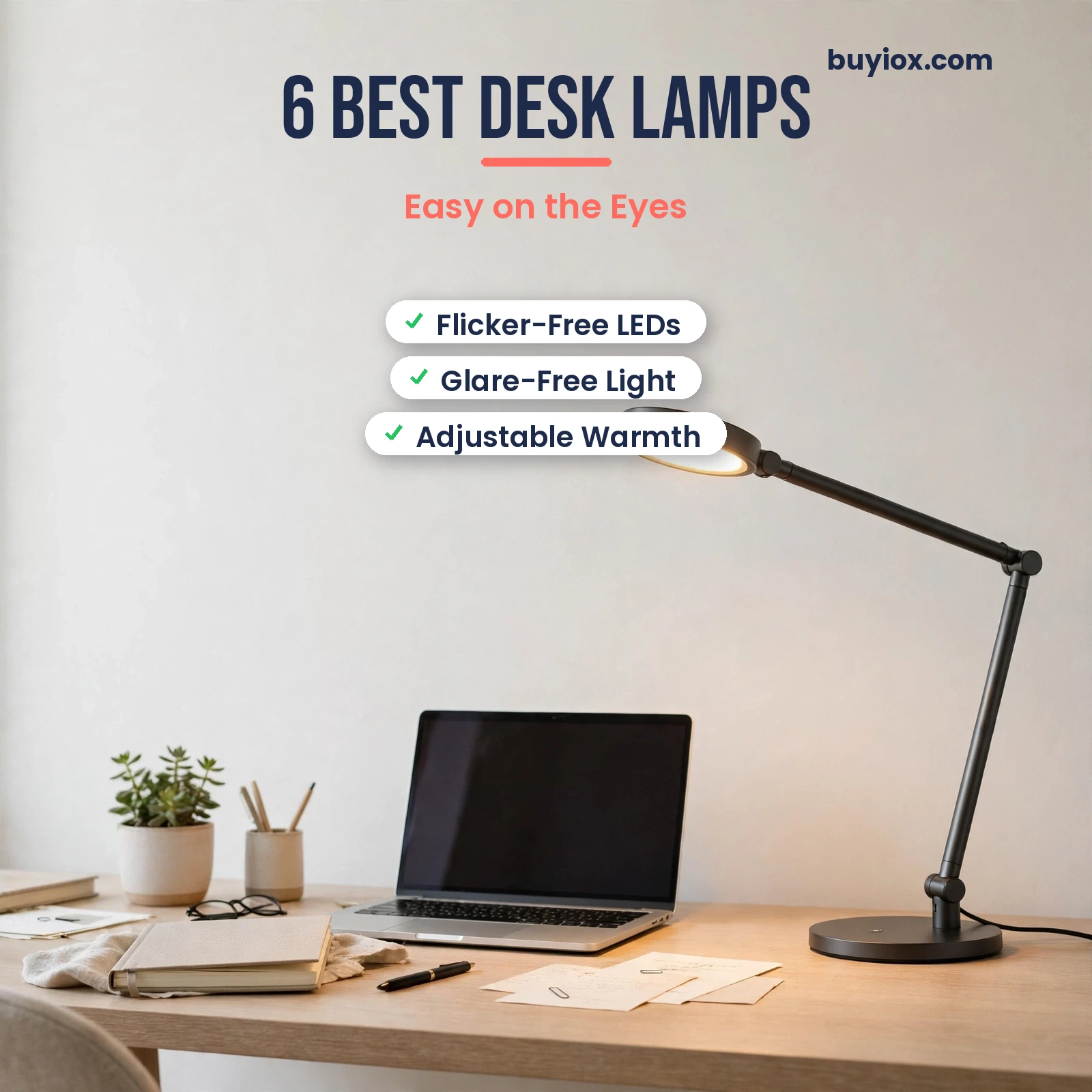
The 6 best desk lamps for home offices – flicker-free, glare-free picks that are easy on your eyes.
Quick Picks: The 6 Best Desk Lamps at a Glance
Short on time? Here is the shortlist. Scroll down for full reviews, a comparison table, and a buying guide that explains exactly what makes a lamp easy on the eyes.
- Best overall for eye care: BenQ e-Reading LED Desk Lamp (WiT Genie)
- Best monitor light bar: BenQ ScreenBar Halo 2
- Best value all-rounder: TaoTronics TT-DL16 LED Desk Lamp
- Best compact + device charging: Honeywell HWT-H01 Eye-Caring LED Desk Lamp
- Best budget: LEPOWER Metal Desk Lamp
- Best natural daylight light: OttLite Entice LED Desk Lamp (ClearSun)
Our 6 Best Desk Lamps for Home Offices – Full Reviews
1. BenQ e-Reading LED Desk Lamp (WiT Genie) – Best Overall for Eye Care
This is the lamp that treats eye comfort as the whole point, not a bonus feature. Instead of a single bright point, the BenQ uses a wide curved “smile” head that spreads light evenly across about 35 by 27 inches of desk at a minimum of 500 lux. No hotspots, no dark corners.
Its party trick is two smart modes. Screen Mode dims the center of the head and brightens the edges, which cuts the glare that bounces off your monitor. Paper Mode balances the light for reading printed pages. An ambient sensor also auto-dims the lamp as your room changes, so you are not constantly fiddling with it.
You still get full manual control: 13 color temperature levels from 2700K to 5700K and over 20 brightness steps. Business Insider’s testers measured up to 1,800 lux at max brightness and praised the flicker-free output. The ball joint and 360-degree rotating base make it easy to aim.
It is a premium price, no question. But if your eyes ache after long workdays, this is the one upgrade that changes how your desk feels every single day.
Pros:
- Exceptional glare control with dedicated Screen Mode for monitor work
- Wide, even coverage with no harsh bright spots
- Auto-dimming ambient sensor adapts to your room
- Flicker-free LEDs with high color accuracy
- 13 color temperatures and 20+ brightness levels for fine tuning
Cons:
- Premium price – the most expensive pick on this list
- No USB charging port in the base
- Arm can feel stiff when brand new
Best for: Anyone who works 6+ hours a day at a desk and wants the most comfortable light money can buy.
Skip if: You are on a tight budget – the TaoTronics below gives you most of the adjustability for a fraction of the price.
The BenQ e-Reading LED Desk Lamp (WiT Genie) – our best overall pick for eye care.
2. BenQ ScreenBar Halo 2 – Best Monitor Light Bar (Zero Desk Footprint)
Got a small desk or a multi-monitor setup with no room for a lamp base? A monitor light bar is the clever answer. The ScreenBar Halo 2 clips onto the top of your monitor and throws an asymmetrical beam down onto your desk and keyboard – with zero light hitting your screen, so there is no glare and no reflection.
The wireless puck controller is genuinely satisfying to use. A rotary dial adjusts brightness and color temperature (2700K to 6500K), and the little display shows your exact settings. The rear backlight washes your wall in a soft glow, which is the real eye-care win: it shrinks the contrast between your bright screen and a dark room, the main cause of evening eye fatigue.
CRI is 95+, so colors look true, and it works with curved monitors down to 1000R. One honest note from testers: it wants a decent USB power source (5V/3A). Plug it into a weak old monitor USB port and you may get flicker, so use a proper adapter or powered hub.
Pros:
- Zero desk footprint – perfect for small or crowded desks
- Asymmetrical beam means no glare on your screen, ever
- Rear bias lighting reduces evening eye strain
- Slick wireless puck with exact brightness/color readout
- High CRI 95+ for accurate colors
Cons:
- Pricey for what is essentially one long LED bar
- Picky about USB power – needs a strong 5V/3A source
- No use if you mainly read paper books (it is built for screens)
Best for: Monitor-first workers with small desks who want screen-friendly light with no footprint.
Skip if: You do more paper reading and crafting than screen work – a traditional lamp suits you better.
The BenQ ScreenBar Halo 2 – the best monitor light bar for zero-footprint desk lighting.
A monitor light bar lights your desk without throwing glare onto your screens.
3. TaoTronics TT-DL16 LED Desk Lamp – Best Value All-Rounder
The TT-DL16 is the lamp for people who want real adjustability without the premium price tag. Five color temperatures from 2700K to 6500K, five brightness levels, flicker-free LEDs, and a foldable body that tilts and rotates to aim light where you need it.
The little extras add up. A USB charging port in the base keeps your phone topped up. A memory function restores your last settings every time you switch on. An auto-off timer is there for the nights you fall asleep reading. It folds flat for storage or travel, which makes it a solid dorm and small-apartment pick too.
Build quality is plastic rather than premium metal, and the light panel is narrower than the BenQ’s, so coverage is more “your immediate workspace” than “the whole desk.” For the price, though, it covers every eye-care fundamental: dimmable, color-tunable, flicker-free.
Pros:
- Excellent feature set for the price: 5 color temps, 5 brightness levels
- Flicker-free LEDs and memory function
- USB charging port in the base
- Auto-off timer and foldable design
Cons:
- Plastic build, not a premium feel
- Narrower light panel than premium lamps
- Touch controls can be easy to bump accidentally
Best for: Budget-conscious buyers who want full adjustability and modern features.
Skip if: You want wide whole-desk coverage or a lamp that feels like furniture.
The TaoTronics TT-DL16 LED Desk Lamp – our best value all-rounder.
4. Honeywell HWT-H01 Eye-Caring LED Desk Lamp – Best Compact + Device Charging
The Honeywell HWT-H01 is the tidy-desk specialist. Its standout spec is a CRI of 95 or higher, which means colors under this lamp look natural and true – easier on the eyes during long sessions than cheap low-CRI LEDs that wash everything in a flat gray cast.
Instead of stepped presets, you get stepless dimming from 10% to 100% via a rotary control, so you can land on exactly the brightness your eyes want. Three color temperatures (3000K warm, 4000K natural, 5500K cool white) cover morning focus through evening wind-down, and a memory function keeps your favorite setting.
The base doubles as a charging station with both USB-A and USB-C ports, which genuinely reduces cable clutter. The foldable arm collapses flat when you are done. LEDs are rated for up to 30,000 hours, and it carries thousands of positive buyer reviews on Amazon.
Pros:
- CRI 95+ for natural, eye-friendly color rendering
- Stepless 10-100% dimming – dial in exactly what feels right
- USB-A and USB-C charging ports in the base
- Compact foldable design suits small desks
- Memory function and built-in timer
Cons:
- Three color temperatures, not a continuous range like the BenQ
- Must stay plugged in – no battery option
- Single-head coverage suits one workspace, not a wide multi-monitor desk
Best for: Students and small-desk workers who want premium light quality plus charging in one footprint.
Skip if: You need to light a wide dual-monitor battlestation.
The Honeywell HWT-H01 Eye-Caring LED Desk Lamp – best compact pick with device charging.
5. LEPOWER Metal Desk Lamp – Best Budget
Sometimes the simplest answer is the right one. The LEPOWER is a classic metal gooseneck architect lamp: bend the neck, aim the shade, flip the switch. No apps, no modes to learn, nothing to break.
Here is the twist that makes it an eye-care pick: the classic model uses a standard E26 socket and does not include a bulb. That sounds like a downside, but it means YOU choose the light. Screw in a quality flicker-free LED bulb at 2700K-3000K warm white and you have genuinely gentle evening light for the price of a pizza. (Budget a few dollars for the bulb.)
The metal shade directs light downward where you need it instead of scattering it into your eyes, and the weighted base keeps it stable. The gooseneck covers nearly every angle you will need for reading or laptop work.
Pros:
- Cheapest pick on the list by a wide margin
- You choose the bulb – pick your ideal warm color temperature
- Sturdy metal build with flexible gooseneck
- Simple and reliable: no electronics to fail
Cons:
- Bulb not included – factor in a few dollars for a good LED bulb
- No dimming or color adjustment on the lamp itself
- Basic looks next to modern LED designs
Best for: Anyone who wants decent task light for the least money, or a second lamp for a side table.
Skip if: You want dimming, color tuning, or USB charging built in.
The LEPOWER Metal Desk Lamp – our best budget pick.
6. OttLite Entice LED Desk Lamp (ClearSun) – Best Natural Daylight Light
OttLite built its whole brand on one idea: light that looks like natural daylight is easier on your eyes. The Entice uses the company’s ClearSun LED technology, which OttLite says reduces eyestrain while delivering crisp, natural-looking light. The ClearSun line has even earned a Good Housekeeping Seal, which is rare air for a desk lamp.
In practice, you get three color modes with touch dimming, an adjustable-height neck, and a base that doubles as a Qi wireless charging pad plus a USB port. It is the kind of lamp that replaces both your old lamp and your phone charger in one move.
Two honest caveats. Some buyers report units failing earlier than expected, and the LEDs are not replaceable – when they go, the lamp goes. That is true of most integrated-LED lamps, but worth knowing at this price. Treat it as a feature-rich daylight lamp, not a buy-it-for-life object.
Pros:
- ClearSun natural-daylight LED designed for visual comfort
- Good Housekeeping Seal winner in the ClearSun line
- Qi wireless charging pad + USB port in the base
- Three color modes with easy touch dimming
Cons:
- Some buyer reports of early unit failure
- Integrated LEDs cannot be replaced
- Costs more than simpler lamps with similar brightness
Best for: Crafters, readers, and detail workers who want daylight-quality light plus wireless phone charging.
Skip if: Replaceable parts and maximum longevity are your top priorities.
The OttLite Entice LED Desk Lamp with ClearSun natural daylight LED.
Comparison Table: The 6 Best Desk Lamps Side by Side
| Product | Best For | Standout Eye-Care Feature | Price (approx) |
|---|---|---|---|
| BenQ e-Reading LED Desk Lamp | Overall eye care | Screen Mode cuts monitor glare; auto-dimming | Around $229 |
| BenQ ScreenBar Halo 2 | Monitor users, small desks | Asymmetrical beam, zero screen glare; rear bias light | Around $179 |
| TaoTronics TT-DL16 | Best value | 2700K-6500K tuning, flicker-free, at a budget price | Around $40 |
| Honeywell HWT-H01 | Compact desks + charging | CRI 95+ natural color; stepless dimming | Around $40 |
| LEPOWER Metal Desk Lamp | Tight budgets | You pick the bulb and its color temperature | Around $25 |
| OttLite Entice (ClearSun) | Daylight-quality light | ClearSun natural daylight LED; GH Seal winner | Around $75 |
Prices shift often – treat these as approximate and check the live price before buying.
Buying Guide: What Makes a Desk Lamp Easy on the Eyes?
Once you know what actually matters for eye comfort, picking a lamp gets simple. Here is the checklist eye-care thinking points to.
1. Color temperature: aim for the 2700K-4000K sweet spot
Color temperature is measured in Kelvin (K). Lower numbers are warm and yellowish; higher numbers are cool and bluish. For long sessions, most eyes prefer 2700K to 4000K – warm to neutral white.
Cool 5000K+ light can feel crisp and alerting in the morning, but it is harsher over a full day and carries more blue light. A lamp with adjustable color temperature lets you run cooler by day and warmer in the evening, which is the single most useful eye-care feature you can buy.
Warm 2700K-4000K light is the sweet spot for evening reading without eye strain.
2. Flicker-free LEDs matter more than you think
Some cheap LEDs flicker at a rate you cannot consciously see but your brain registers – and that invisible flicker is a classic trigger for headaches and eye fatigue. Every lamp on this list uses flicker-free LEDs. If you are shopping elsewhere, look for “flicker-free” stated explicitly, not just “LED.”
3. Glare control beats raw brightness
More lumens is not automatically better. What tires eyes is contrast: a blinding bright spot next to darkness, or light reflecting off your screen into your face. Look for wide light heads, diffusers, and asymmetrical beams that wash the desk evenly. Eye specialists specifically recommend controlling glare by positioning screens away from direct light sources.
4. Check the CRI for natural-looking light
CRI (Color Rendering Index) measures how naturally colors look under a light, on a scale to 100. Cheap LEDs sit around 80. Lamps at 90+ render colors much more like daylight, which feels noticeably more comfortable over hours. The BenQ and Honeywell picks here hit 95+.
5. Adjustability and placement
An articulating arm or gooseneck lets you put light on your work, not in your eyes. As a rule of thumb: place the lamp to the side of your dominant hand (left side for left-handers) so your hand does not cast shadows over your work, and keep the light source out of your direct line of sight. Pair your lamp with the rest of your setup – if you are building a healthier workstation, our standing desk converter guide and under-desk treadmill picks cover the ergonomic side.
6. What to avoid
Skip lamps with a single harsh exposed bulb and no diffuser, lamps that cannot dim (your eyes need less light in the evening), and anything that buzzes or visibly flickers on camera. And do not work in a pitch-dark room with only a bright screen – some ambient or bias light around the monitor dramatically reduces strain. If late sessions are wrecking your sleep, our sunrise alarm clock guide pairs well with warmer evening lighting habits.
All About Vision notes that prolonged screen viewing fatigues the eye’s focusing muscles, which is why the 20-20-20 rule (every 20 minutes, look at something 20 feet away for 20 seconds) is worth combining with better lighting.
Frequently Asked Questions
What color temperature is best for your eyes in a desk lamp?
For most people, 2700K to 4000K is the comfortable range for long sessions – warm to neutral white. Use cooler temperatures (4000K-5000K) for short bursts of focused daytime work if you like, then dial back to warm light in the evening. Adjustable color temperature is the most useful eye-care feature a lamp can have.
Are LED desk lamps bad for your eyes?
Not inherently. Quality LEDs with flicker-free drivers, a diffuser, and adjustable warmth are perfectly comfortable. The problems come from cheap LEDs with visible or invisible flicker, harsh exposed diodes with no diffuser, and very cool color temperatures used all day. Choose flicker-free, dimmable, warm-tunable lamps like the ones above.
How many lumens do I need in a desk lamp for a home office?
For general desk work, 400-800 lumens is plenty in a typical room. Detailed work (crafts, reading small print) benefits from 800-1,000+ lumens. More important than the raw number is even distribution – a wide head or bar that spreads light without hotspots will feel better than a super-bright narrow beam.
Is a monitor light bar better than a regular desk lamp?
It depends on your work. For screen-heavy setups and small desks, a light bar like the BenQ ScreenBar Halo 2 wins: zero footprint, no screen glare by design, and bias lighting for evenings. For paper reading, crafts, or lighting a wide desk area, a traditional adjustable lamp is more versatile.
Should I use warm or cool light when working on a computer?
Neutral to warm (3000K-4000K) for long computer sessions. Cool light above 5000K can feel alerting but tends to cause more fatigue over hours and carries more blue light, which is less ideal in the evening. Match your lamp’s brightness to your screen so neither overpowers the other.
What does flicker-free mean in a desk lamp, and does it matter?
Flicker-free means the LED driver delivers steady current with no rapid on-off pulsing. It matters a lot: imperceptible flicker is a well-known trigger for headaches and eye fatigue during long sessions. It is one of the first specs to check, and every lamp recommended in this guide is flicker-free.
Where should I place my desk lamp to avoid glare?
Put it to the side of your dominant hand, angled down at your work surface, with the bulb or panel out of your direct line of sight. Keep it from shining directly onto your monitor – if you see the lamp reflected in your screen, move it. For monitor-first setups, a screen-mounted light bar removes the placement puzzle entirely.
Final Verdict: Which Desk Lamp Should You Buy?
If your eyes hurt after workdays and you want the best fix available, get the BenQ e-Reading LED Desk Lamp. Its wide glare-free coverage, Screen Mode, and auto-dimming genuinely change how a long day at the desk feels.
If you live on your monitor and your desk is cramped, the BenQ ScreenBar Halo 2 is the smarter buy – zero footprint and no glare by design. On a budget, the TaoTronics TT-DL16 covers every eye-care essential for around $40, and the LEPOWER plus a warm LED bulb is the cheapest decent setup going.
Whatever you choose, remember the lamp is only half the fix: tune it warm in the evening, kill the glare, and give your eyes that 20-second distance break every 20 minutes. Your 5pm headaches will thank you.